Why Automate Zalo Bot?
Zalo is Vietnam's most popular messaging app with over 75 million users. If your business operates in Vietnam, your customers are on Zalo. The n8n Zalo Bot node lets you connect Zalo's Bot Platform directly into your n8n workflows, enabling automated replies, lead capture, CRM sync, and notification routing without writing custom code.
This guide covers everything you need to deploy and configure the n8n Zalo Bot node in production. It is written for automation engineers, integrators, and technical founders who want to move fast.
What You Get
The n8n-nodes-zalo-platform package includes two nodes:
- Zalo Bot Trigger – receives incoming messages and events from your Zalo bot via webhook, with automatic webhook registration and secret token management
- Zalo Bot (Action) – sends messages, photos, stickers, and manages webhook configuration through 8 operations
The Zalo Bot Platform API follows the same conventions as the Telegram Bot API. All requests are POST, and the bot token is embedded in the URL path:
https://bot-api.zaloplatforms.com/bot{TOKEN}/{method}Installation
Step 1: Create Your Zalo Bot
- Open the Zalo app on your phone
- Search for the Official Account "Zalo Bot Manager"
- Tap "Tao bot" (Create bot) in the chat menu
- Enter a bot name (must start with "Bot", e.g.,
Bot MyShop) - Zalo sends your Bot Token via message in this format:
{bot_id}:{secret_key}
Step 2: Install the Node
Via n8n Community Nodes (recommended):
Settings > Community Nodes > Install > n8n-nodes-zalo-platformManual installation (self-hosted):
cd ~/.n8n
npm install n8n-nodes-zalo-platform
Queue/Worker mode: If you run n8n with separate worker containers, install the node on both the main instance and all workers. Custom nodes must exist in ~/.n8n/ on every container. Missing this step is the most common deployment issue.
Step 3: Configure Credentials
Create a new credential of type Zalo Bot API:
| Field | Value |
|---|---|
| Bot Token | The {bot_id}:{secret_key} string received from Zalo |
When you save, n8n automatically calls POST /getMe to verify the token is valid.
Zalo Bot Trigger: Receiving Messages
The n8n Zalo Bot Trigger node handles webhook lifecycle automatically. When you activate a workflow, the node:
- Registers a webhook URL with the Zalo API (
POST /setWebhook) - Generates a secret token deterministically:
SHA256(botToken).hex().substring(0, 32) - Validates every incoming request against the
X-Bot-Api-Secret-Tokenheader - Cleans up the webhook when the workflow is deactivated (
POST /deleteWebhook)
You do not need to copy webhook URLs or manage secret tokens manually.
Event Filter
| Option | Value | What Passes Through |
|---|---|---|
| Any Message | anyMessage | All incoming message types |
| Text Message | message.text.received | Text messages only |
| Image Message | message.image.received | Image messages only |
| Sticker Message | message.sticker.received | Sticker messages only |
Sample Output Payload
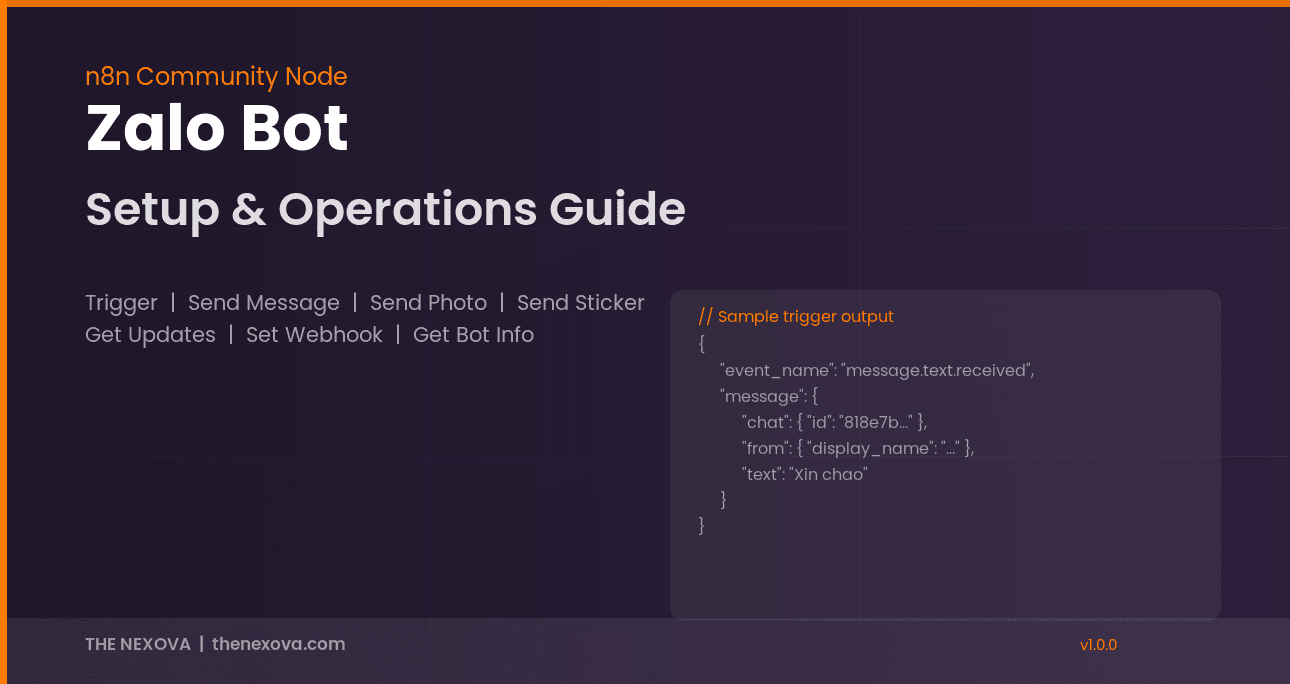
When a user sends a text message to your bot, the trigger outputs:
{
  "event_name": "message.text.received",
  "message": {
    "date": 1775362520302,
    "chat": {
      "chat_type": "PRIVATE",
      "id": "818e7bf147beaee0f7af"
    },
    "message_id": "261de7b845d153890ac6",
    "from": {
      "id": "818e7bf147beaee0f7af",
      "is_bot": false,
      "display_name": "Nguyen Van A"
    },
    "text": "Xin chao"
  }
}
Key expressions for downstream nodes:
| Expression | Returns |
|---|---|
{{ $json.message.chat.id }} | Chat ID (use this to reply) |
{{ $json.message.text }} | Message content |
{{ $json.message.from.display_name }} | Sender's display name |
{{ $json.event_name }} | Event type string |
Zalo Bot Action Node: 8 Operations
Get Bot Info
Endpoint: POST /getMe | Parameters: None
Returns bot name and ID. Use this to verify your connection.
Send Message
Endpoint: POST /sendMessage
| Parameter | Type | Required | Description |
|---|---|---|---|
chatId | String | Yes | User ID or Group ID |
text | String | Yes | Message content, max 2000 characters |
Request body sent to Zalo:
{ "chat_id": "818e7bf147beaee0f7af", "text": "Thanks for reaching out!" }Send Photo
Endpoint: POST /sendPhoto
| Parameter | Type | Required | Description |
|---|---|---|---|
chatId | String | Yes | User ID or Group ID |
photo | String | Yes | HTTPS image URL |
caption | String | No | Caption text, max 2000 characters |
Send Sticker
Endpoint: POST /sendSticker
| Parameter | Type | Required | Description |
|---|---|---|---|
chatId | String | Yes | User ID or Group ID |
stickerId | String | Yes | Sticker ID (e.g., bfe458bf64fa8da4d4eb) |
Caveat: The UI labels this field stickerId, but the API request body uses the key "sticker". The node handles this mapping automatically.
Get Updates (Long Polling)
Endpoint: POST /getUpdates
| Parameter | Type | Default | Description |
|---|---|---|---|
timeout | Number | 30 | Long polling timeout in seconds. Use 0 for immediate response. |
Important: getUpdates and webhooks are mutually exclusive on the Zalo API. You must call Delete Webhook before using Get Updates. The timeout value is sent as a string in the request body.
Set Webhook / Delete Webhook / Get Webhook Info
These three operations manage webhook configuration manually. If you use the Zalo Bot Trigger node, you do not need these. The Trigger handles registration and cleanup automatically.
| Operation | Endpoint | Parameters |
|---|---|---|
| Set Webhook | POST /setWebhook | webhookUrl (HTTPS URL), secretToken (8-256 chars, A-Z/a-z/0-9/_/-) |
| Delete Webhook | POST /deleteWebhook | None |
| Get Webhook Info | POST /getWebhookInfo | None |
Workflow Examples
Auto-Reply Bot
Zalo Bot Trigger (Any Message)
  → IF ($json.event_name == "message.text.received")
    → Zalo Bot: Send Message
        chatId: {{ $json.message.chat.id }}
        text: "Thanks! We'll respond within 5 minutes."
Lead Capture to Google Sheets + Slack Alert
Zalo Bot Trigger (Text Message)
  → Google Sheets: Append Row
      Name: {{ $json.message.from.display_name }}
      Message: {{ $json.message.text }}
      Timestamp: {{ $json.message.date }}
  → Slack: Send Message
      text: "New Zalo lead from {{ $json.message.from.display_name }}"
Polling Mode (No HTTPS Domain)
If your n8n instance does not have a public HTTPS URL, use polling as an alternative:
Schedule Trigger (every 30 seconds)
  → Zalo Bot: Get Updates (timeout: 25)
  → IF (result is not empty)
    → Process messages...
Note: You must call Delete Webhook once before starting the polling pattern.
Cloudflare Configuration
If your n8n instance sits behind Cloudflare, you need to create two rules. Zalo sends webhook requests with User-Agent: Java/1.8.0_192, which Cloudflare's security features block by default.
Rule 1: WAF Custom Rule
- Condition: URI Path contains
/webhook - Action: Skip all managed rules
Rule 2: Configuration Rule
- Condition: URI Path contains
/webhook - Action: Disable Browser Integrity Check
Why /webhook without trailing slash? This covers both production URLs (/webhook/...) and n8n test URLs (/webhook-test/...). Using /webhook/ with a trailing slash would miss the test endpoints.
Troubleshooting
| Problem | Root Cause | Solution |
|---|---|---|
| Trigger receives no messages | Cloudflare blocks Zalo's Java user-agent | Create both Cloudflare rules above |
| 401 Unauthorized on credential test | Bot token expired or incorrect | Create a new bot via Zalo Bot Manager |
| Test mode spins indefinitely | Workflow is still active | Deactivate the workflow before testing |
getUpdates returns empty | Webhook is still registered | Call Delete Webhook first |
| Worker container missing node | Node only installed on main instance | Install on both main and worker containers |
Premium and Custom Solutions
The community node is open-source and free. For organizations that need deeper integration, THE NEXOVA provides custom implementations:
- Full Zalo OA (Official Account) API integration
- AI-powered chatbot with natural language processing
- CRM, ERP, and accounting system connectors
- Custom monitoring dashboards and analytics
- Deployment, training, and long-term maintenance
If you need a tailored solution or want to explore what the n8n Zalo Bot node can do for your business, get in touch with our team.